
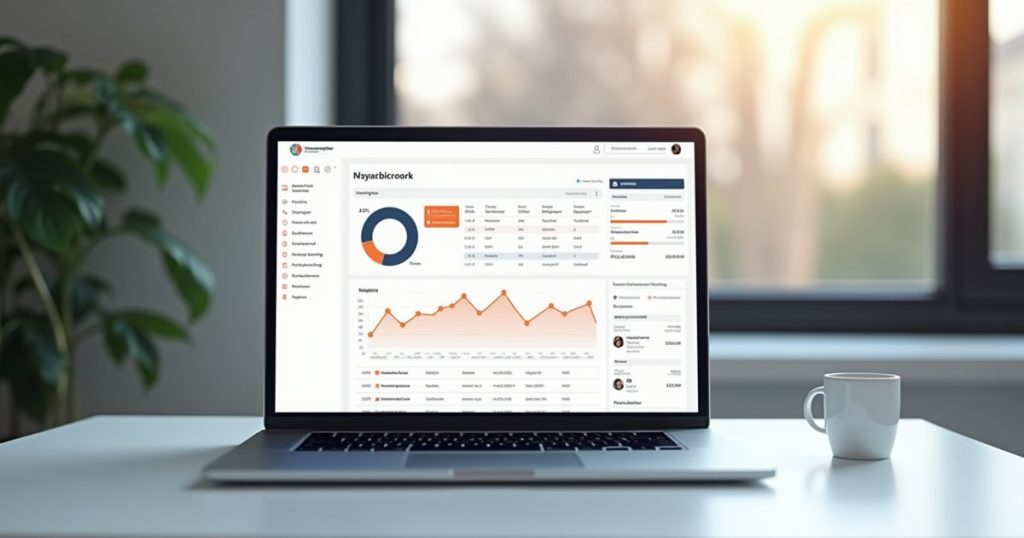
FreshBooks Review 2026: Pricing, Features & Who It’s Actually For
FreshBooks is best for service-based freelancers and small teams who invoice clients directly — its invoicing, time tracking, and client-facing tools are best-in-class. It’s less suited to inventory-based businesses or anyone needing deep payroll integration, where QuickBooks pulls ahead. Plans start at $21/month, with a 30-day free trial and no credit card required.
Affiliate Disclosure: This article contains affiliate links to FreshBooks. We may earn a commission if you sign up through our links, at no extra cost to you.
FreshBooks built its reputation on one thing: making invoicing and getting paid feel effortless for people who aren’t accountants. Over a decade later, it’s grown into a full small-business accounting platform — but it hasn’t lost that original focus. This review breaks down what FreshBooks actually does well, where it falls short, what it costs in 2026, and whether it’s the right fit for your business specifically.
What Is FreshBooks?
FreshBooks is cloud-based accounting software built around invoicing, expense tracking, time tracking, and client management — designed primarily for freelancers, consultants, agencies, and small service businesses rather than product-based or inventory-heavy companies. It handles the core bookkeeping tasks (income, expenses, basic reports, tax prep exports) without the complexity of a full enterprise accounting suite.
FreshBooks Pricing 2026
| Plan | Price | Client Limit | Best For |
|---|---|---|---|
| Lite | $21/mo | 5 billable clients | Solo freelancers with a small, stable client list |
| Plus | $38/mo | 50 billable clients | Growing freelance or consulting business |
| Premium | $65/mo | Unlimited clients | Small agencies with many active clients |
| Select | Custom pricing | Unlimited clients | Larger teams needing dedicated support & lower payment fees |
Every plan includes a 30-day free trial with no credit card required, and FreshBooks regularly runs 50–70% off promotions for the first several months — worth checking for before paying full price. Additional team members cost extra on all plans except Select.
What FreshBooks Does Well
Invoicing & Getting Paid
Fully customizable, professional-looking invoices with automatic late-payment reminders, recurring billing, online card/ACH payment collection, and a client-facing portal where customers can view and pay past invoices without creating an account. This is still the single biggest reason freelancers choose FreshBooks over competitors.
Time Tracking & Project Billing
A built-in timer (desktop, mobile, and browser extension) that converts tracked hours directly into an invoice line item — genuinely useful for consultants and agencies who bill hourly, and something QuickBooks and Wave both handle more clumsily.
Proposals & Client Communication
Send proposals that clients can approve and pay a deposit on directly, which then converts into a project and eventually an invoice — a smoother client-acquisition-to-payment pipeline than most competitors offer at this price point.
Where FreshBooks Falls Short
- No built-in inventory management — a dealbreaker for product-based businesses; QuickBooks and Xero both handle this natively
- Payroll is a third-party add-on (Gusto), not native — fine for solo freelancers, less convenient once you’re running payroll for employees
- Additional team members cost extra on every plan except Select, which adds up fast for agencies
- Reporting is lighter than QuickBooks — good enough for tax prep and basic P&L, not built for complex multi-entity accounting
FreshBooks vs the Alternatives
| If you are… | Better choice |
|---|---|
| A service freelancer who invoices clients directly | FreshBooks |
| Selling physical products with inventory | QuickBooks Online |
| A pre-revenue solo freelancer wanting free software | Wave |
| UK-based and need Making Tax Digital compliance | Xero or QuickBooks |
For a full head-to-head breakdown, see our dedicated FreshBooks vs QuickBooks comparison and FreshBooks vs Wave comparison.
Frequently Asked Questions
Is FreshBooks good for beginners with no accounting background?
Yes — this is arguably FreshBooks’ biggest strength. The interface is built around plain-language tasks (“send an invoice,” “log an expense”) rather than accounting terminology, and most new users are comfortable within their first session.
Can FreshBooks handle sales tax and VAT?
Yes, you can set up multiple tax rates and apply them per line item or per invoice, which covers US sales tax, Canadian GST/HST, and UK/EU VAT for most small businesses. It doesn’t auto-file returns the way some region-specific tools do, so you’ll still submit through your tax authority or accountant.
Does FreshBooks integrate with payment processors?
Yes — FreshBooks Payments (its built-in processor) accepts cards, ACH, and Apple Pay directly on invoices, and it also integrates with Stripe for more advanced use cases. Payment processing fees apply on top of your subscription.
Is there a free version of FreshBooks?
No — FreshBooks offers a 30-day free trial but no permanently free tier. If you need free accounting software long-term, see our best free accounting software guide for alternatives like Wave.
Final Thoughts
FreshBooks earns its reputation where it matters most for freelancers and small service businesses: invoicing, getting paid on time, and tracking billable hours without a learning curve. It’s not the right tool for inventory-based businesses or teams that need deep payroll and reporting — but if your business runs on client invoices, it’s hard to beat.
Try FreshBooks Free for 30 Days
No credit card required. See why FreshBooks is the top-rated invoicing tool for freelancers and small service businesses.
Disclaimer: This article is for informational purposes only and does not constitute financial or accounting advice. Pricing is subject to change — verify current rates on the FreshBooks website. Affiliate links are present in this article.